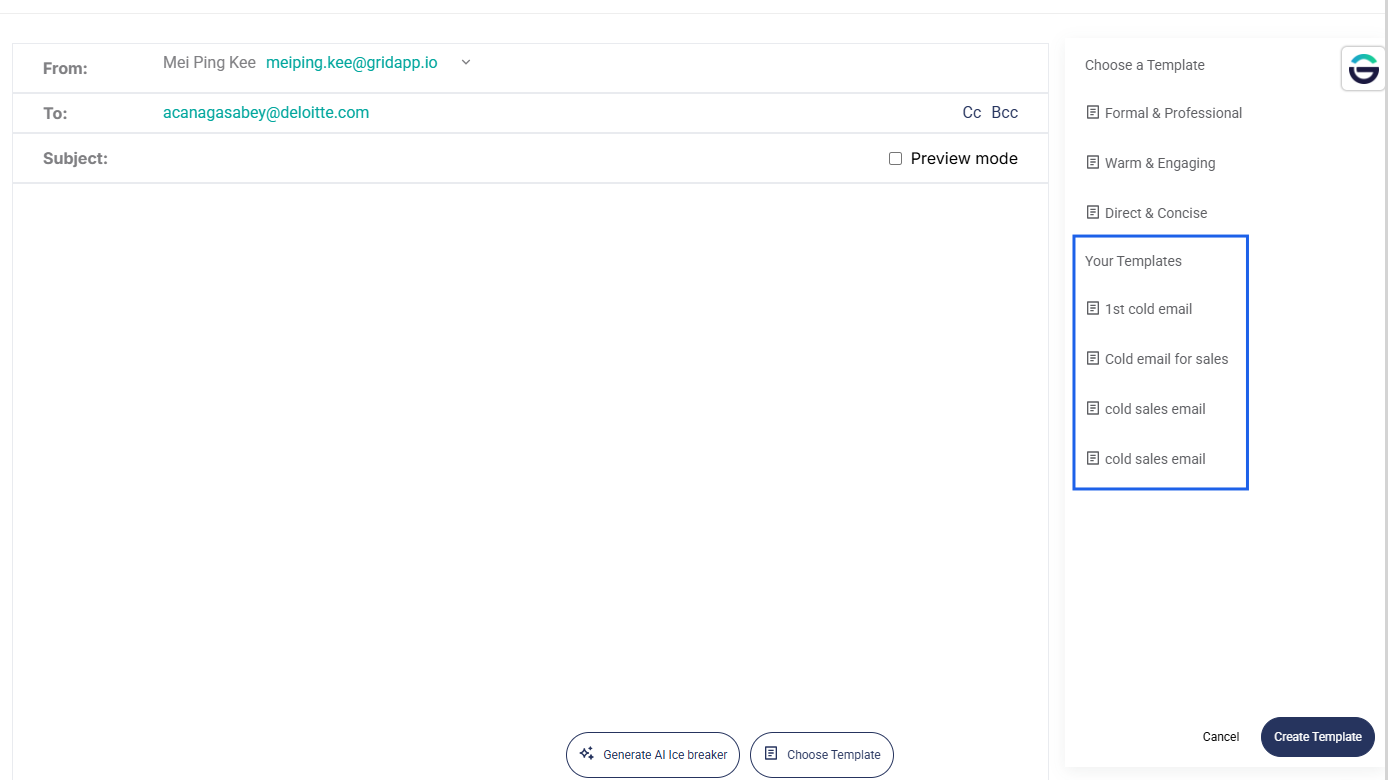
You can create and save your own email templates in the email composer and reuse them anytime for bulk emailing.
Steps to create an email template
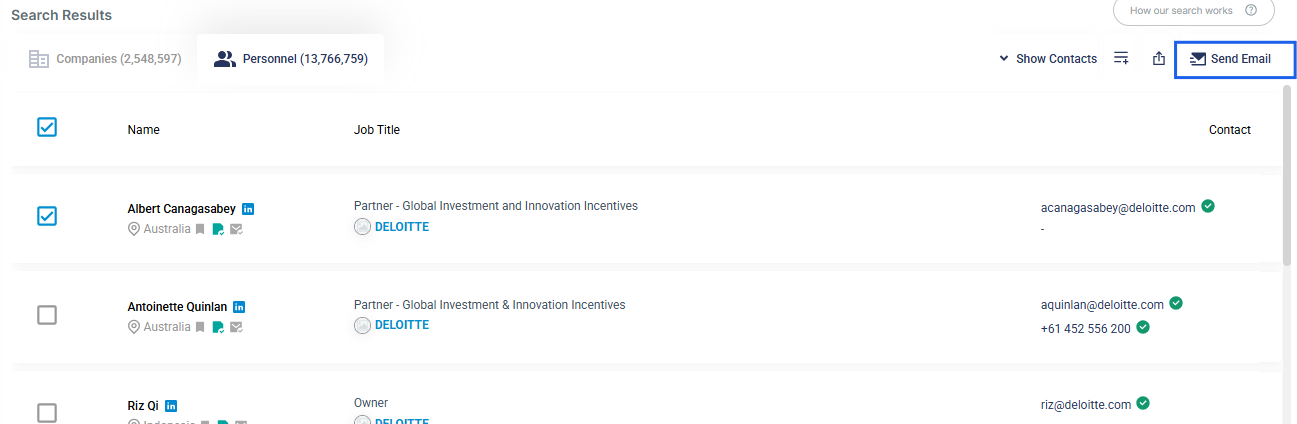
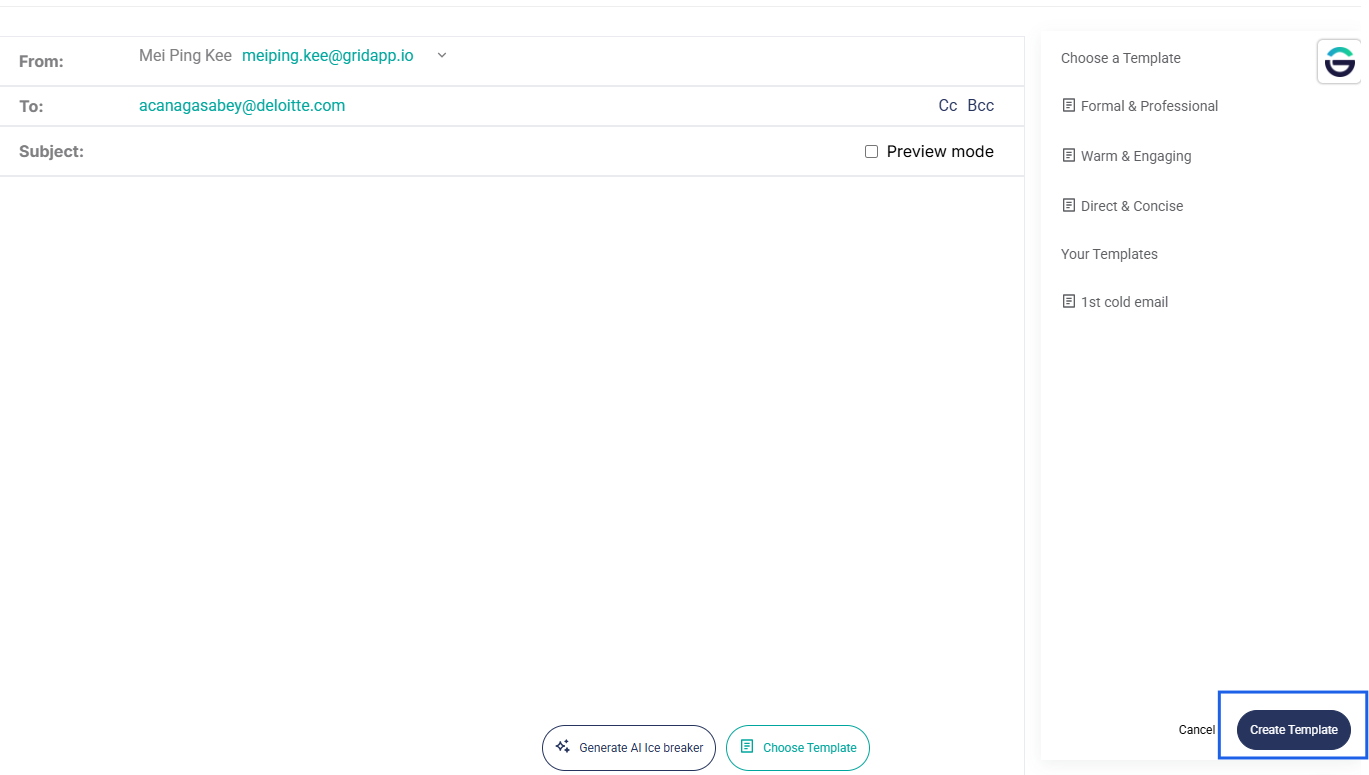
- Go to the Email Composer page by clicking Send Email. You will need to select a record first before clicking on Send Email.
- Click Choose Template.
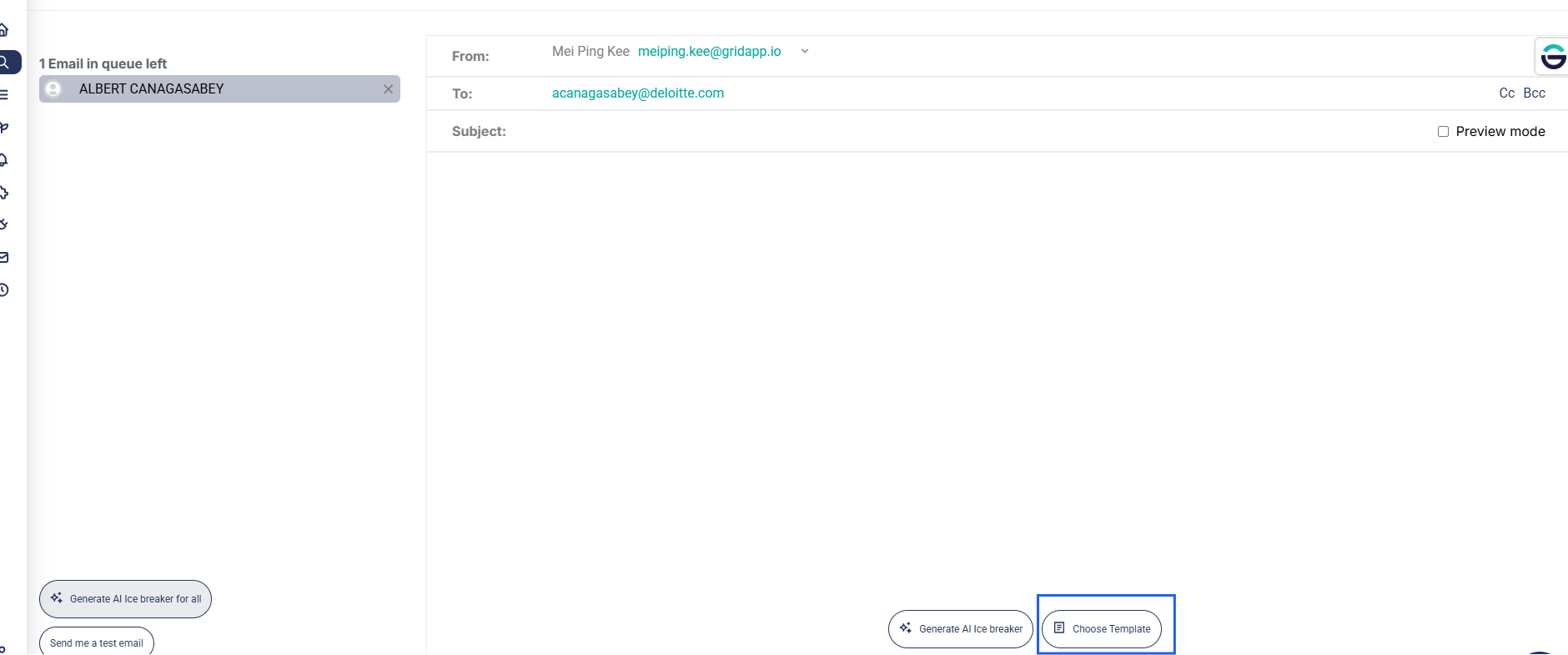
- Then, click Create Template.
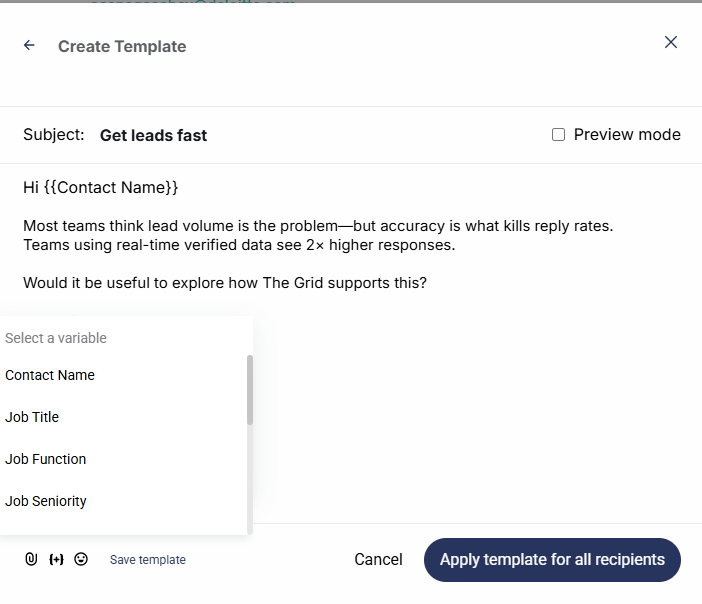
- Create your email template. You may add in variables such as contact name as well as inserting images.
- Once completed, click Save to store the template.
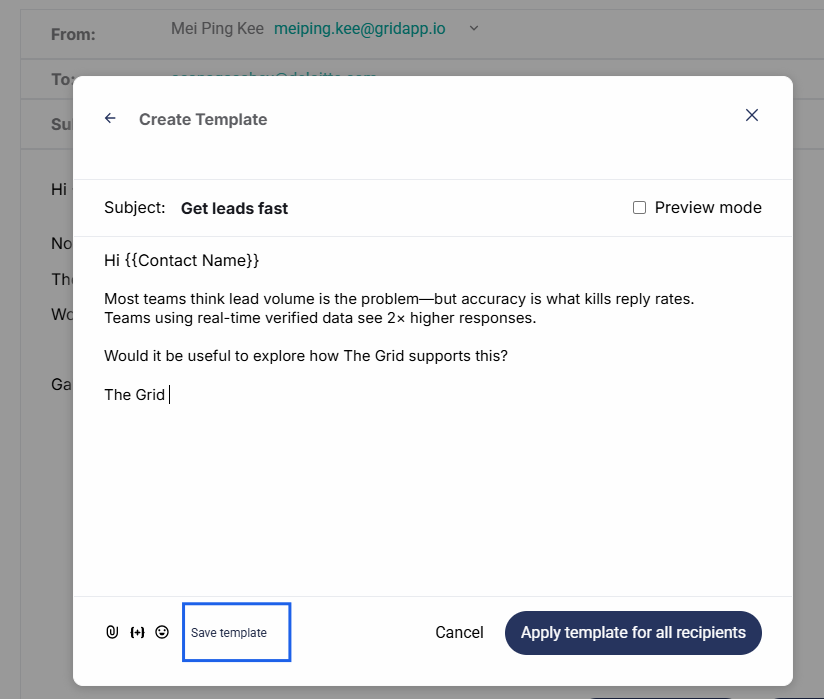
Your saved templates will appear under Your Templates and can be applied anytime when sending emails.