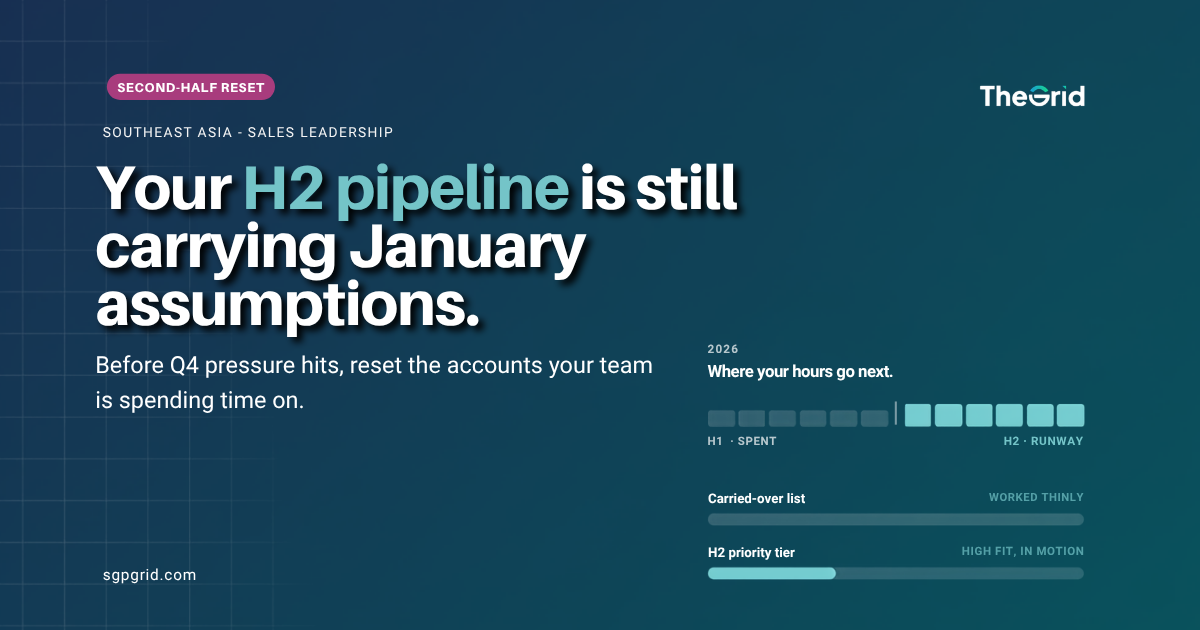
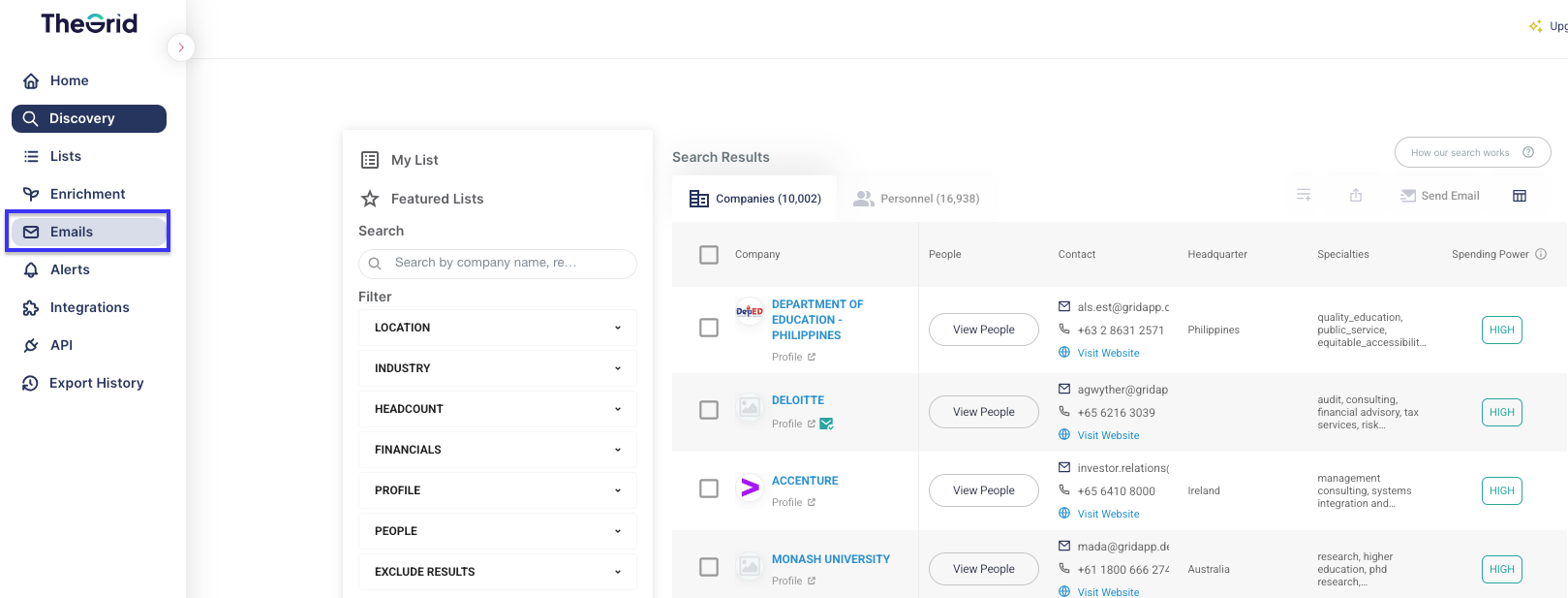
To check sent email status, click on Emails on the left side panel.
You will then see various email statuses.

All Emails: Displays the status of all emails.
Pending: Emails that are queued to be sent after clicking “Send.” Emails at this stage can still be canceled.
Sent: Emails that have been sent out but have not yet reached the recipient’s inbox.
Delivered: Emails that have been successfully delivered to recipient's inbox.
Replied: Emails that have been replied to by the recipient.
Failed: Emails that could not be delivered due to issues such as:
- Invalid or non-existent email address.
- Blocked by the recipient's email server.