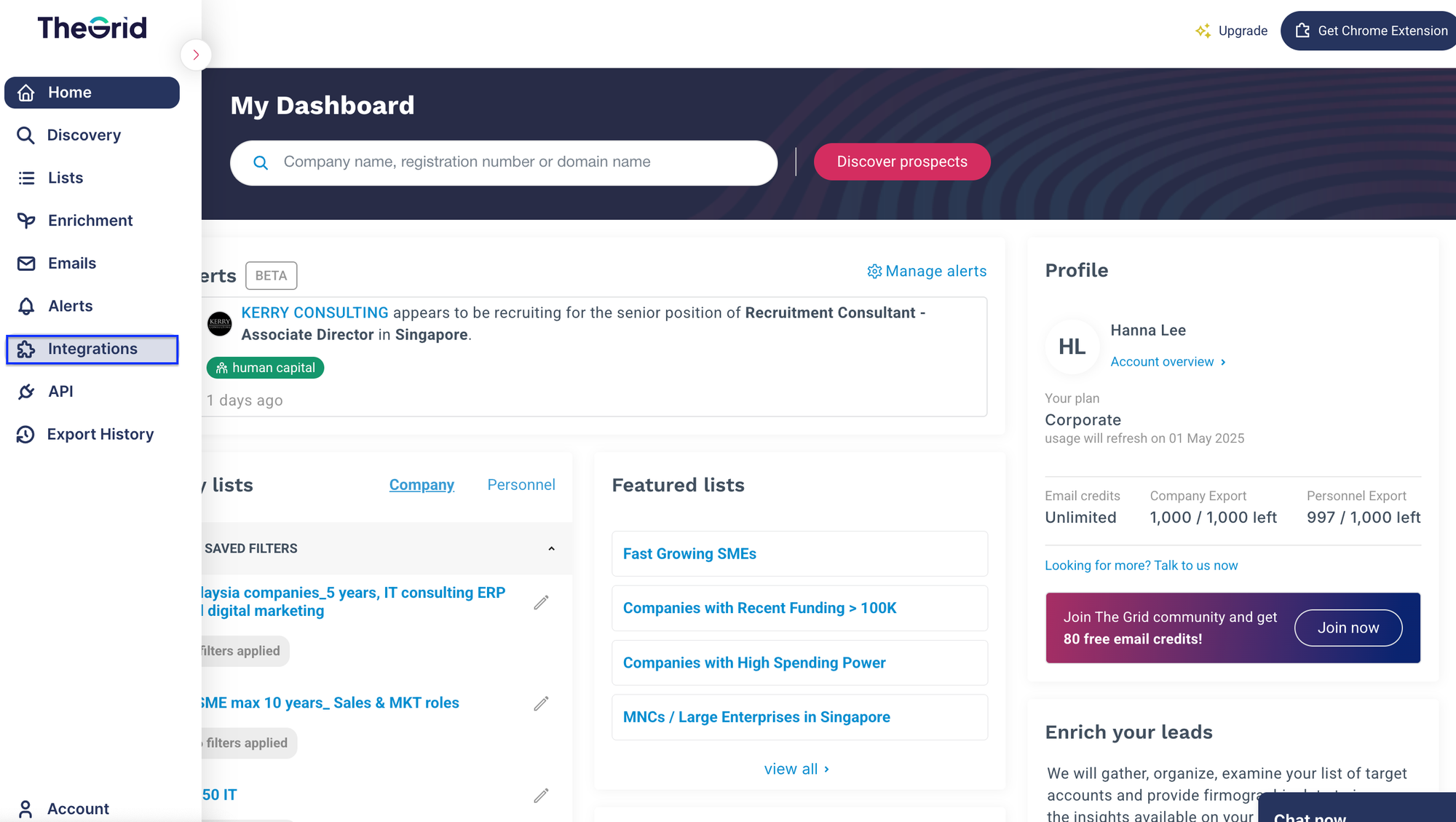
Step 1: Open the left-side panel and click on Integrations.
Step 2: On the integration page, there are two email services available for connection: Gmail and Outlook 365.
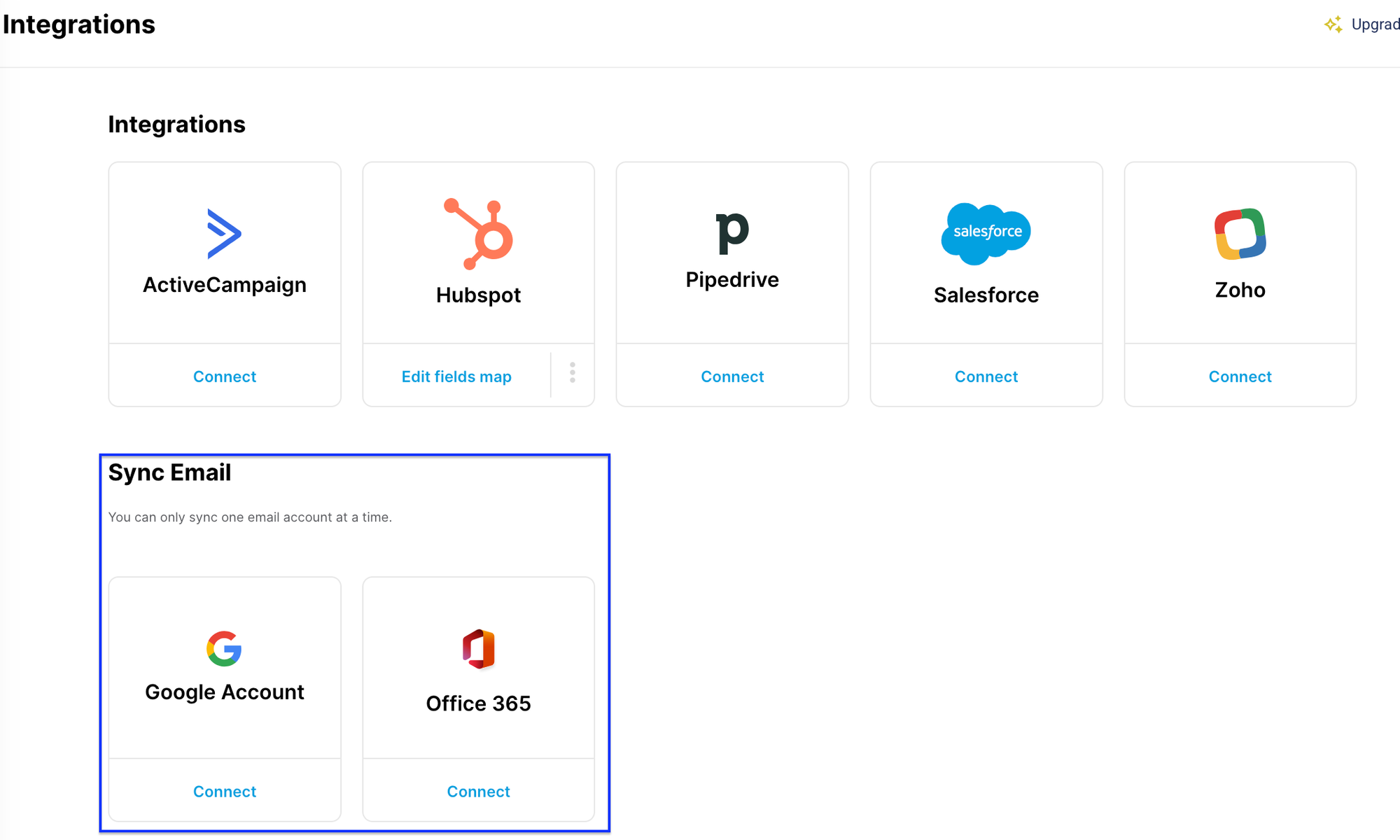
Then, click Connect on your preferred provider.
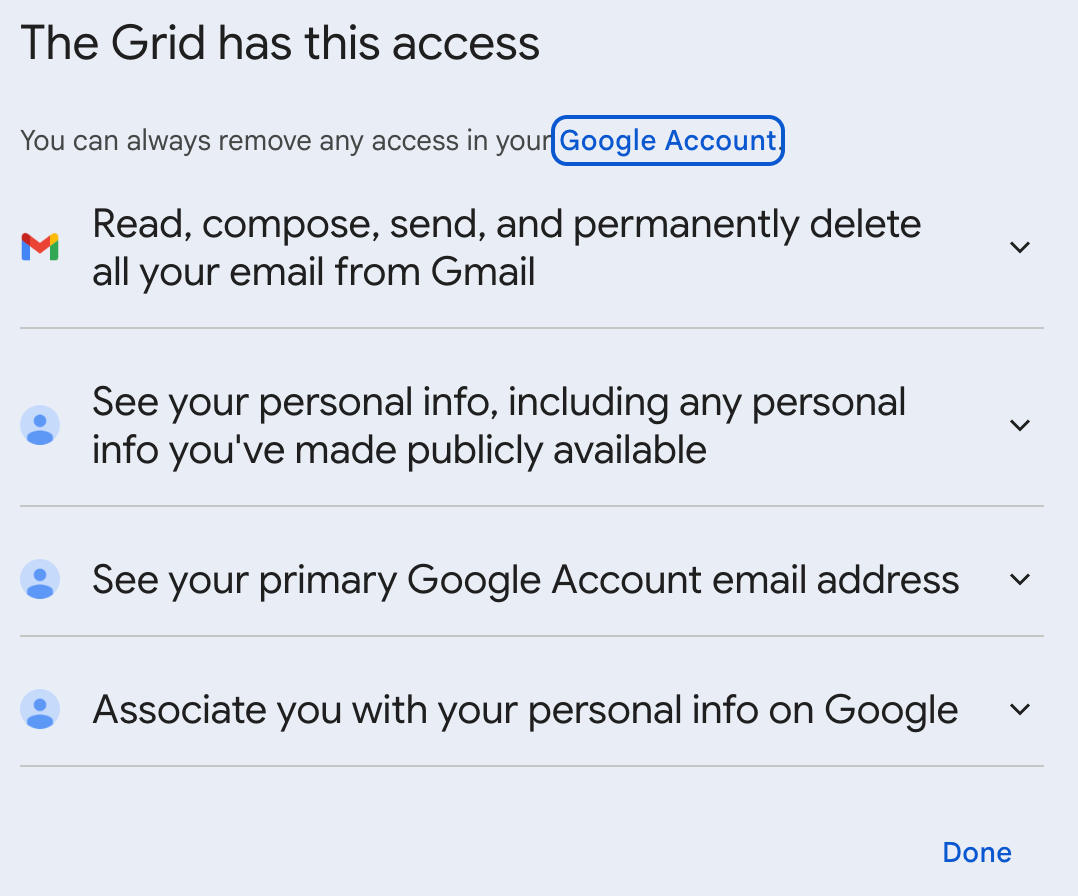
Step 3: Review and agree to what The Grid can do with access to your email provider.
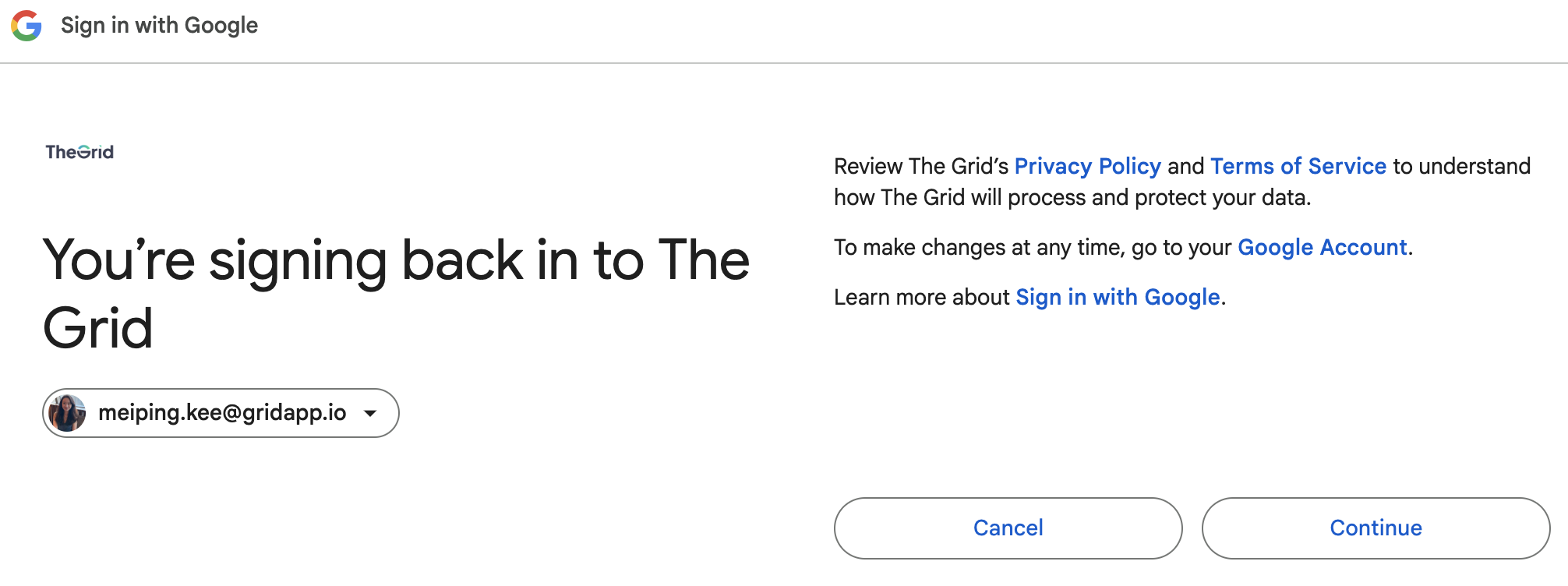
Once connected, your email will be reflected in the Sender section when using the email feature.
Frequently Asked Questions
Q: Must I use the same email address I used to access The Grid for the email feature?
A: No, you can use a different email address.