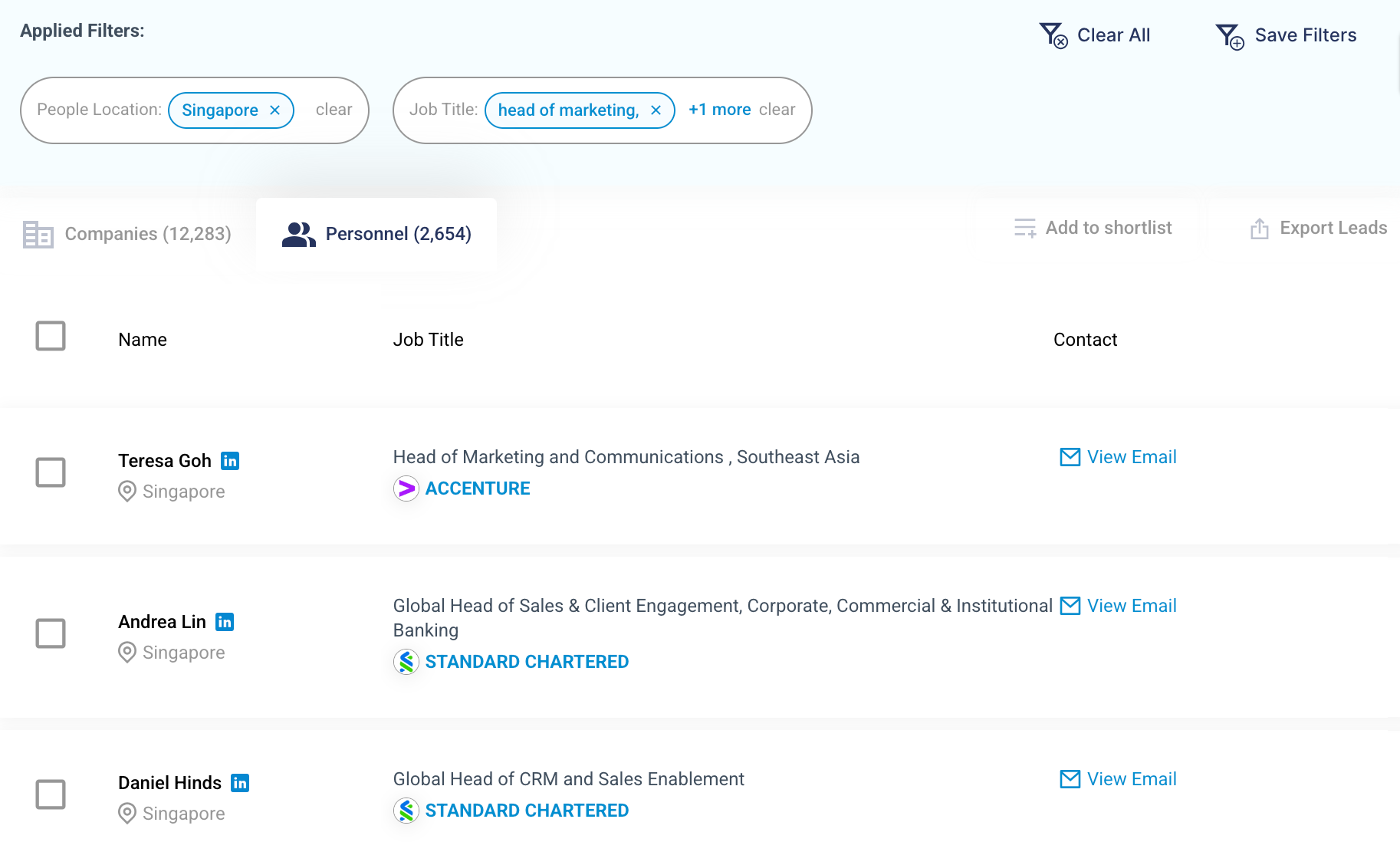
To search for a list of people holding certain job titles or roles, you can apply the People filter.
There are 2 ways to search for people based on their job roles/function.
Method 1: Apply Both the Job Function and Seniority Filters
Step 1: Under the Job Function filter, select the department or job functions you are targeting. You may select more than one job function at a time.
For this example, we will look at Accounting/Finance. After applying this filter, proceed to the next step.
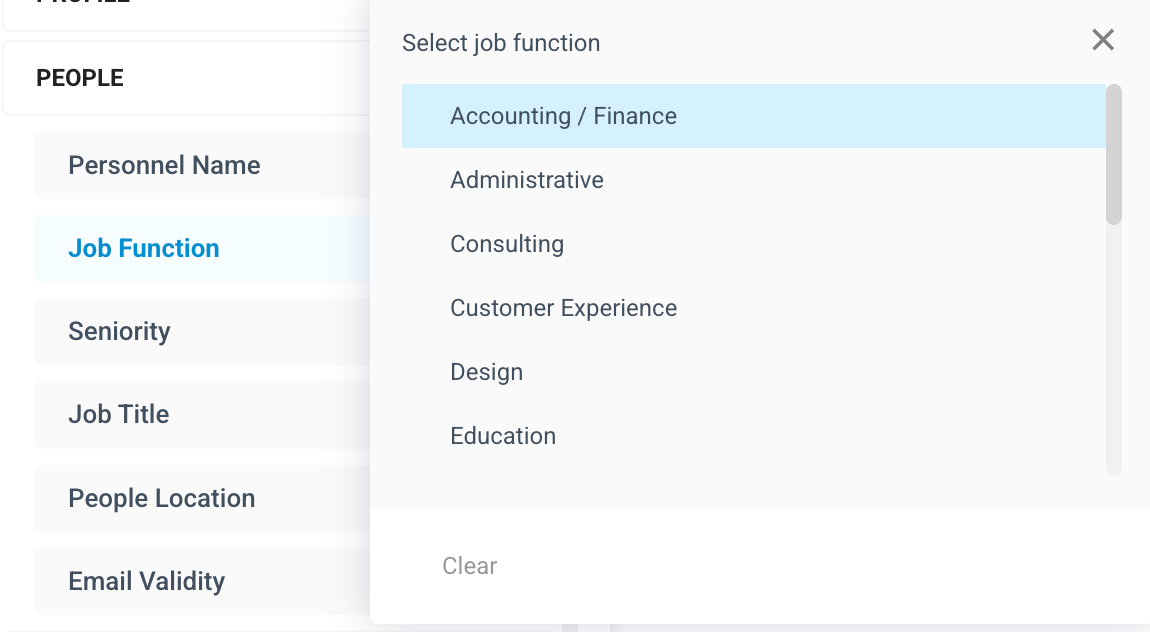
Step 2: Select the Seniority filter to specify the ranking or seniority level of professionals you want to target.
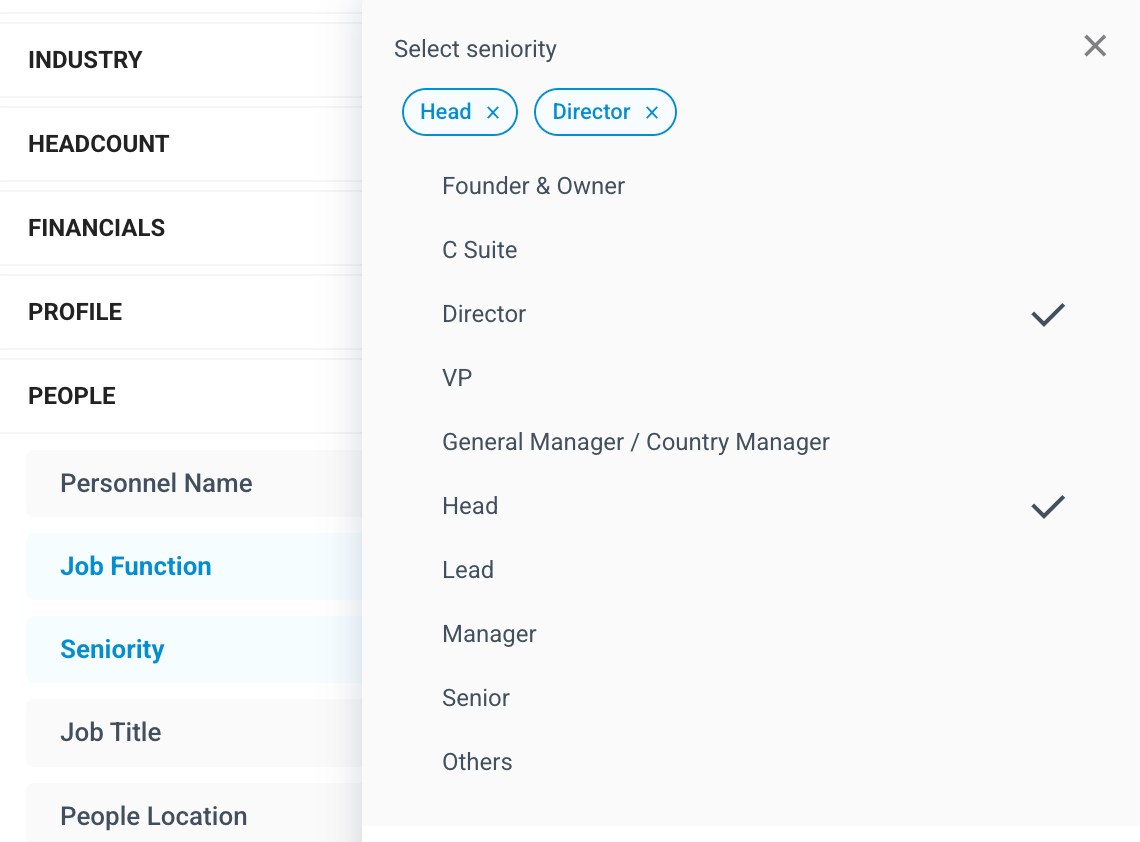
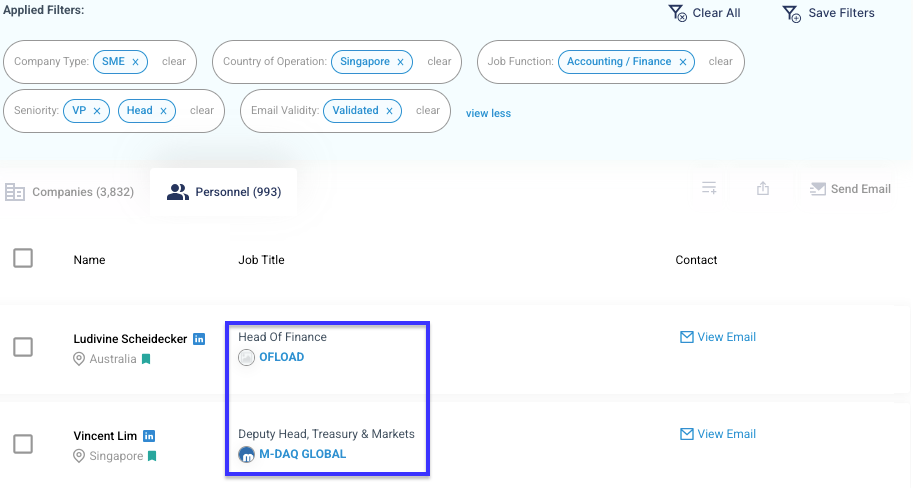
Once both filters are applied, the results will display a list of people holding the selected job function and seniority level.
Method 2: Use the Job Title Keyword Search
If you already have a very specific set of job titles in mind, you can directly key them into the Job Title filter. For example, you can apply both "Head of Marketing" and "Head of Sales" at the same time.
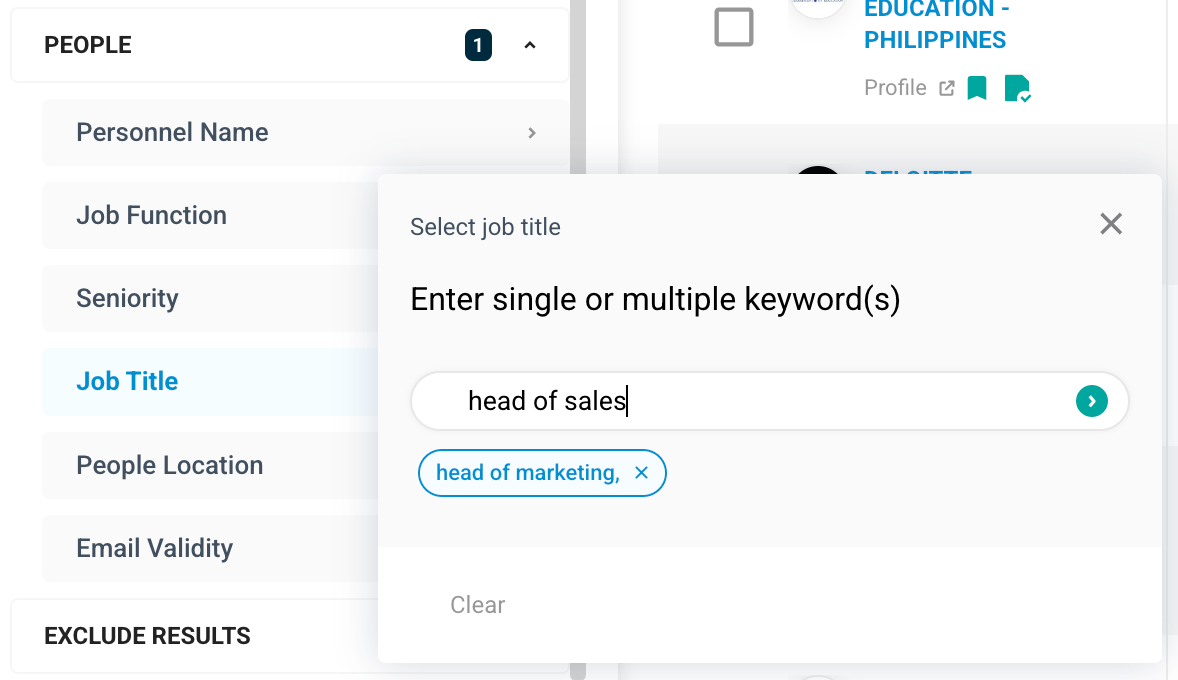
The Personnel tab will immediately reflect a list of people holding the entered job titles or similar titles.