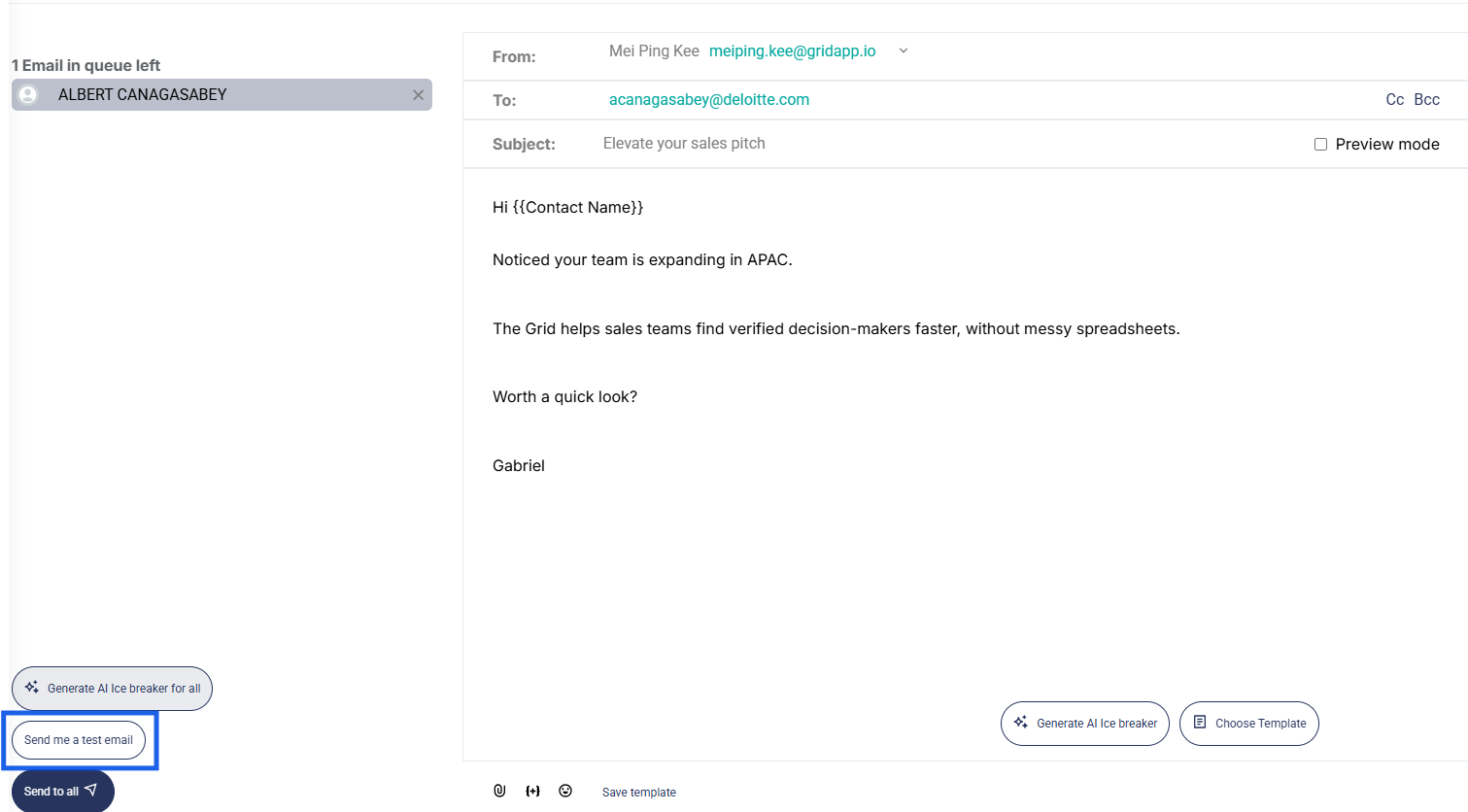
You can send a test email to review your message before sending it to your recipients. This can be done after composing your email on the Email Composer page.
After composing your email, click Send a Test Email. The email will be sent to the inbox of the email synced with The Grid email feature.
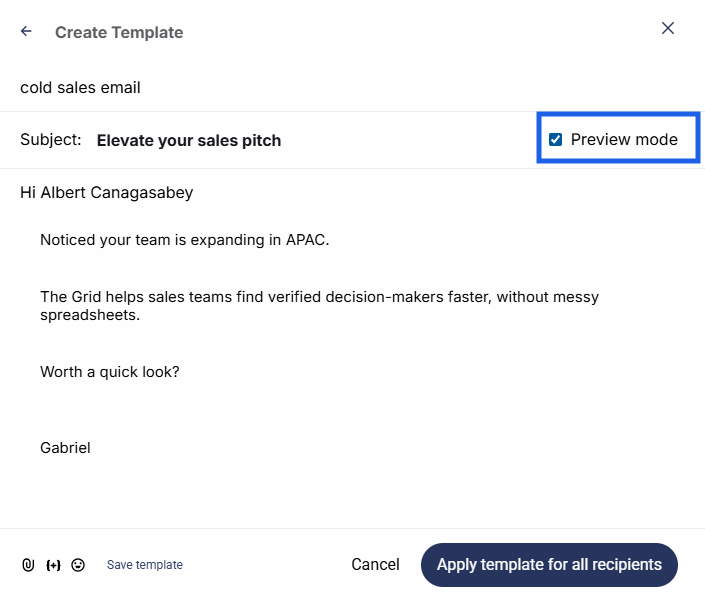
Alternatively, if you have selected an email template that includes variables (such as the contact name), you can preview the email before selecting it by clicking Preview mode.