Before using The Grid email feature to send out emails to prospects, remember to sync your email to The Grid.
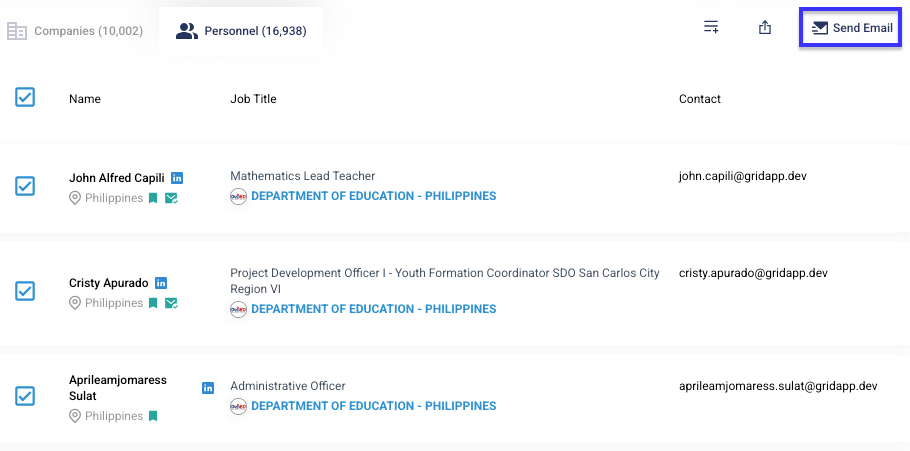
Step 1: After applying filters and reviewing the results, select the list of personnel/companies you wish to email. Once done, click on the Send Email button located at the top right corner of the results table.
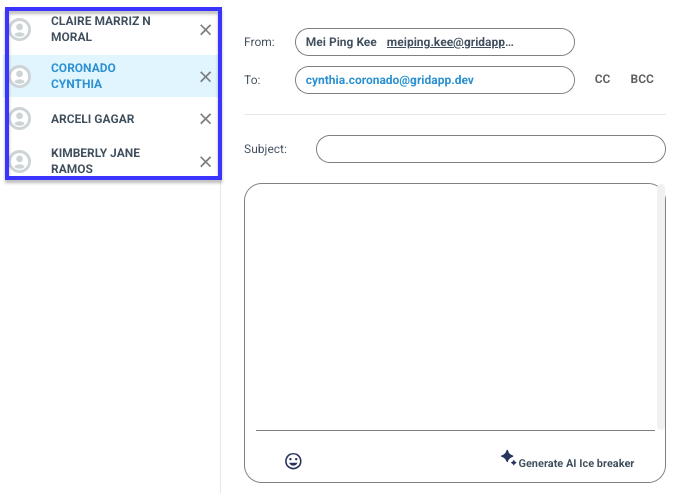
Step 2: You will be lead to an email composer. On the left side of the composer will be a list of records which you have selected.
If you do not wish to send email to selected record just click on X.
Step 3: Compose your email subject and content. Then click on Send.
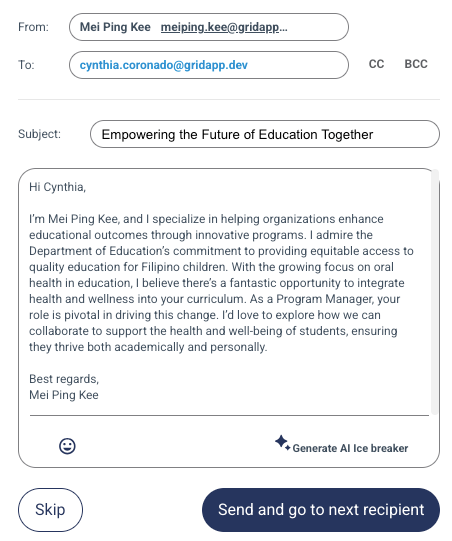
Note: The utilisation of the AI icebreaker function will deduct an AI credit.