The Grid is a tool that helps you discover and generate leads quickly. By leveraging the advanced filters provided, such as industry, headcount, and company age, you can easily refine your search and manage those leads easily.
Before using The Grid, it is encouraged to have a clear idea of who you are targeting. You can have one or more segments of your audience.
Here are some factors to consider when building a list of targeted companies:
- Market or Country
- Industries
- Company size (e.g., headcount)
- Years of incorporation
Next, think about WHO you want to reach. Is it the Head of Human Resources, General Manager, or CEO?
Here’s an example of a target audience segment:
- Market: Singapore
- Industry: Manufacturing
- Company size or headcount: minimum 200
- Job role: Founder or Owner
Let’s use the above example to navigate The Grid platform.
On The Grid page, hover over the Discovery Tab.
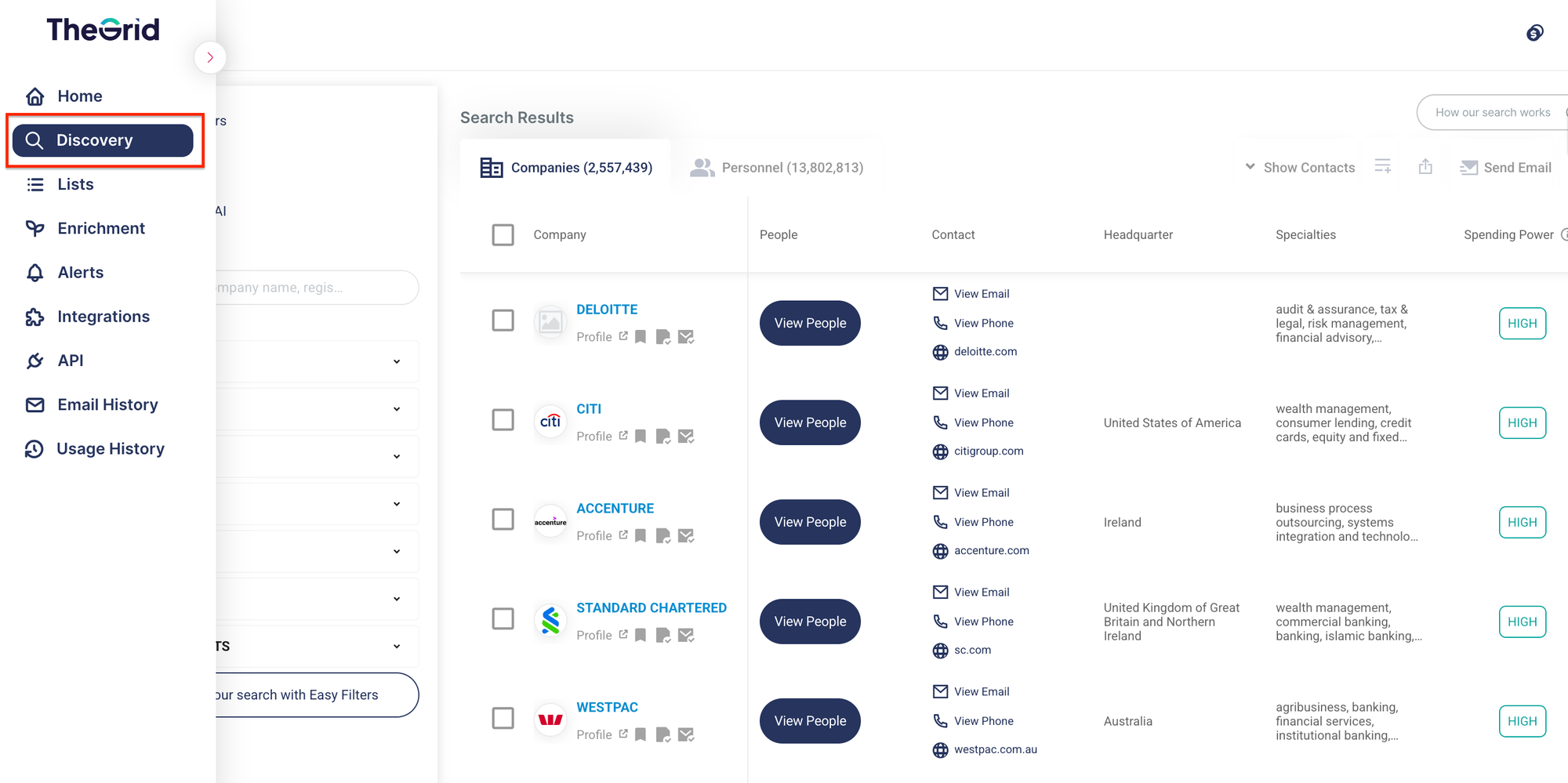
Then, start applying the filters on the filter panel located on the left. All selected filters will affect the results in both the Company tab and Personnel tab.
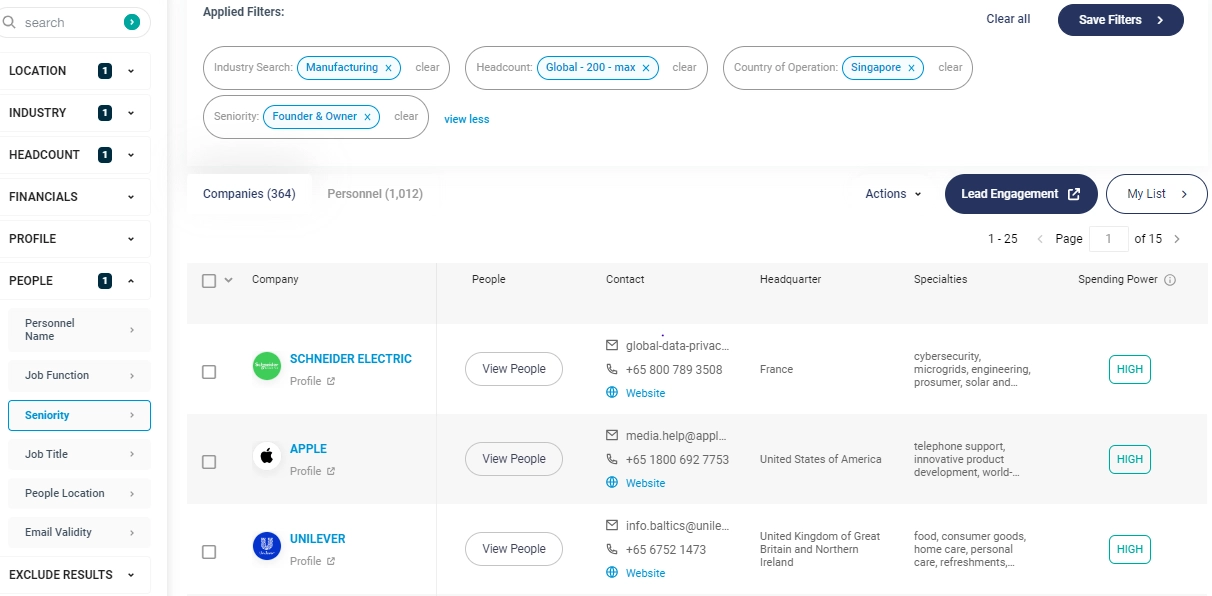
You can save your filters and are-apply the saved filters in future.
Tips
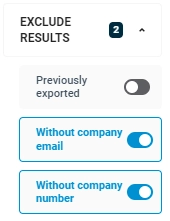
- Apply the "Previously Exported" filter to exclude results that have already been exported.
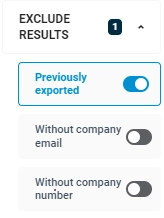
- To ensure the company records have both phone numbers and general email addresses, or either one, turn on the “Without company number” or “Without company email” toggle.