
B2B Prospecting Got Faster. Did It Get Smarter?
“Do you know anyone there?” was not lazy prospecting. It was an early form of sales intelligence. The tools have changed, but the need to understand the real path into an account has not.
“Do you know anyone there?” was not lazy prospecting. It was an early form of sales intelligence. The tools have changed, but the need to understand the real path into an account has not.
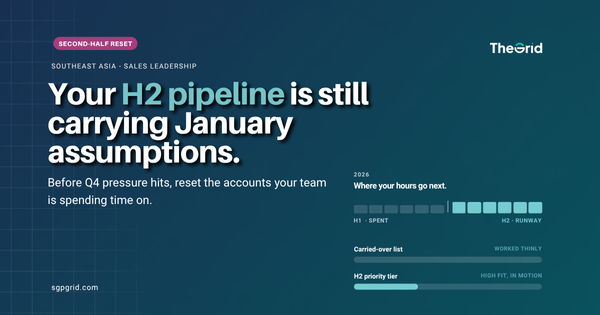
The list you started the year with is quietly working against you by August. Here is how SEA teams reset their accounts before the second-half targets hit.
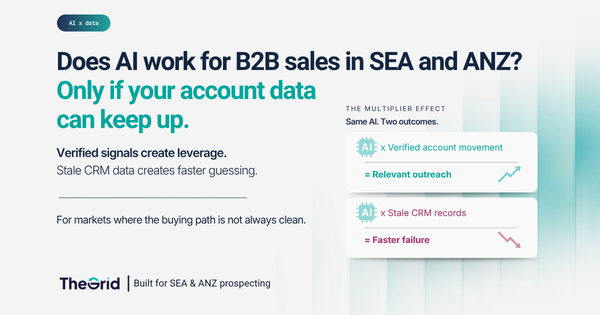
Everyone is buying AI sales tools. Few are asking the one question that decides whether they work in SEA and ANZ. Here is the honest answer.
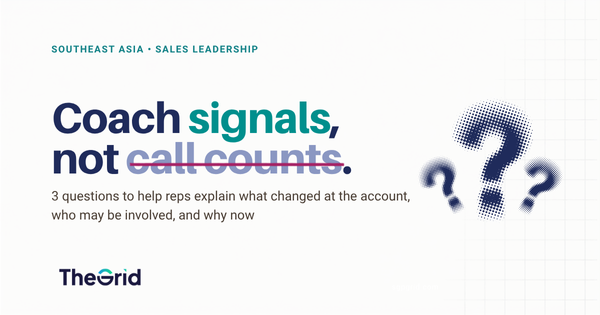
More dials won't fix a flat pipeline. Here are the 3 questions that turn your next 1:1 into real coaching.
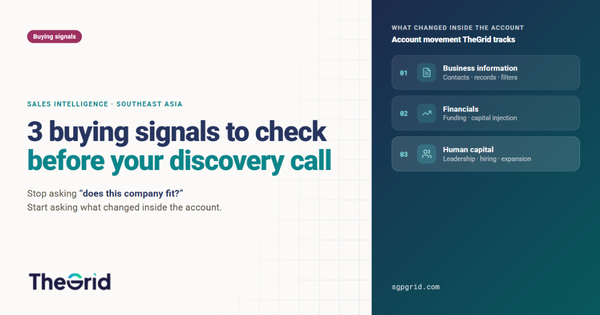
Not every ICP-fit account is ready to buy. Before your next discovery call, check these 3 SEA buying signals to understand which accounts are moving, which buyers may matter, and which opportunities are worth pursuing now.
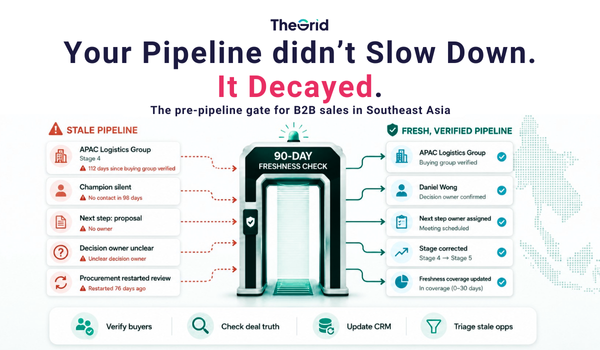
Your pipeline did not slow down. It decayed. In SEA, decision ownership shifts quietly — so opportunities stay open in your CRM while the buying group moves on. This checklist keeps deals real, stages honest, and forecasts less fictional.
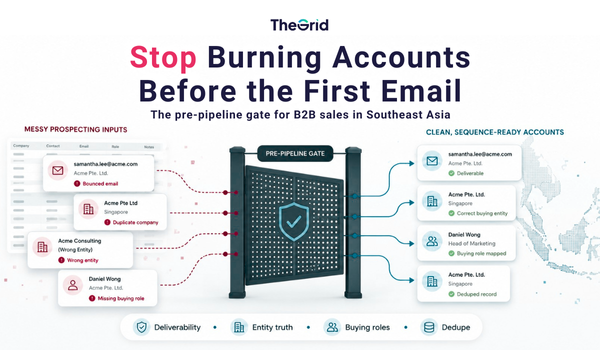
Your CRM is not your pipeline. It is your input. In SEA, that input rots fast — emails bounce, entities are messy, and the right logo hides the wrong buyer. This is the pre-pipeline gate that stops outbound from burning accounts before the first email is sent.
Modern marketing has become more technical, more automated, and more complex. But did it also lose the human side that made it work in the first place?

If you wish to upgrade your existing plan from Starter to Premium or Pro, you may go to your Account Overview. You will see an Upgrade Plan button. Click on the plan you wish to subscribe to. It will then lead you to the pricing page. Click on the plan

We’ve introduced new features to make crafting emails easier and more efficient than ever. 1. Save Your Email Templates You can now save email templates for future use—whether they are manually written by you or generated by AI. This helps you stay consistent and saves time when reaching
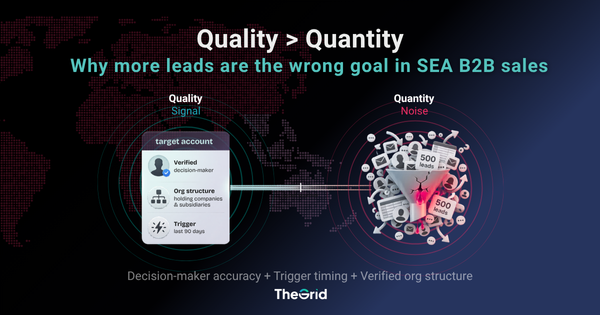
Chasing more leads is the default fix when pipeline slows down. In Southeast Asia, it's usually the wrong one. Here's why quality beats quantity in B2B sales and what that actually looks like in practice.
More data won't fix SEA prospecting. Most of it was built for markets that don't behave like Southeast Asia. Here's what global datasets miss — and what actually works.
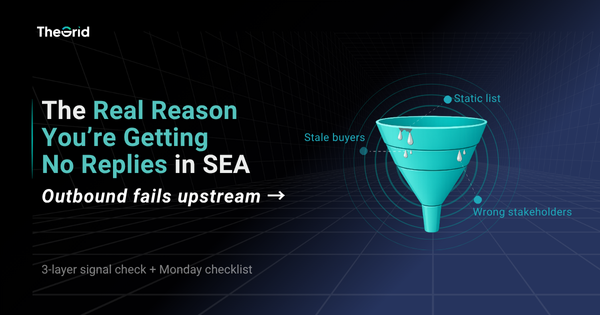
Outbound in SEA isn’t failing because your copy is weak. It fails upstream: stale data, unclear buyers, and random timing. Fix it with signals.

Your pipeline doesn’t feel unpredictable. It feels confusing. This article shows how to stop chasing “qualified” accounts and start focusing on companies that are actually ready to buy.

The Grid is a tool that helps you discover and generate leads quickly. By leveraging the advanced filters provided, such as industry, headcount, and company age, you can easily refine your search and manage those leads easily. Before using The Grid, it is encouraged to have a clear idea of

View Credits View credits are deducted only when an email address or phone number is available and successfully retrieved during the following actions: * Clicking on View Email or View Phone individually * Viewing contact details in bulk from the results table * Exporting data to CSV or any integrated CRM * Data enrichment
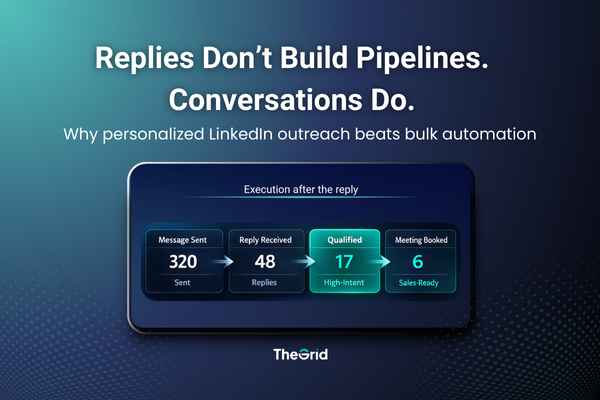
Bulk LinkedIn automation focuses on sending messages. Personalized outreach wins by handling replies well and qualifying conversations before they become meetings.
Most SEA pipelines don’t die from bad data—they die between a good list and the first reply. Here’s the execution layer we’re testing to fix it.
The Grid is more than a database. These real customer stories show how SMEs turned data intelligence into data-driven sales ROI across SEA.

Data-driven targeting isn’t just theory. This case study shows how a Singapore logistics SME used The Grid to focus on high-intent accounts, improve conversions, and grow revenue.
Lead generation can make or break an SME. This SME sales playbook gives a practical, Singapore-focused framework to improve targeting, outreach, and SME customer acquisition using data and compliance-first execution.
To reach your first 1000 customers, startups need more than hustle—they need data. Here’s a stage-by-stage playbook for smarter targeting, faster cycles, and repeatable growth across Singapore and SEA.
The future of B2B lead generation is being shaped by data and AI. This article explores the trends SMEs must watch to stay competitive.
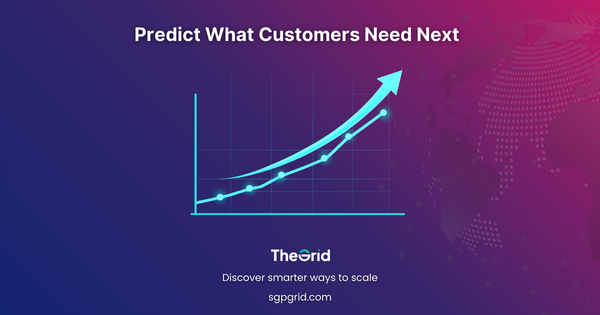
Predictive analytics helps SMEs act earlier—using firmographics and buying signals to spot intent, prioritize the right accounts, and improve conversions with data-driven marketing in SEA

1. Log in to your account and go over to Account Overview. 2. Within the Current plan table, click on Add Credits. 3. Next, a list of available credit top-up options will be displayed. Select the credits and quantity you wish to purchase. Select the preferred currency for payment of
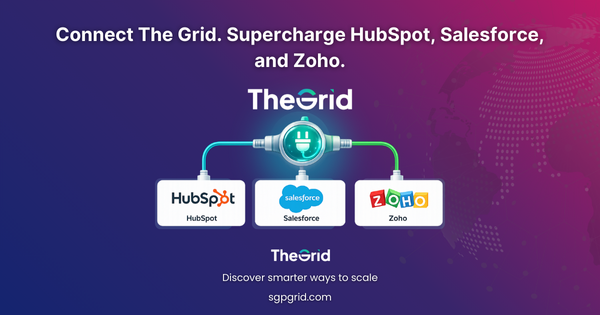
The Grid is most powerful when it works inside your CRM. Here’s how SMEs can connect The Grid to HubSpot, Salesforce, Zoho, and more for faster, smarter selling.
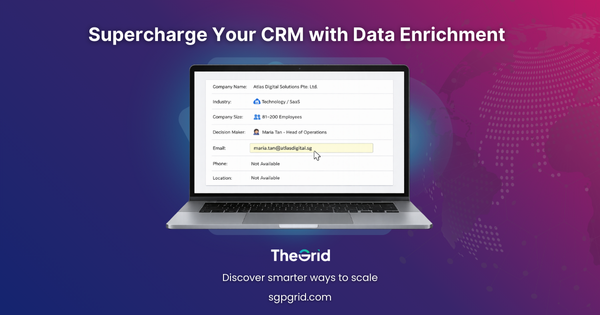
A CRM is only as good as the data inside it. Here’s how data enrichment helps SMEs turn messy records into a reliable sales engine.
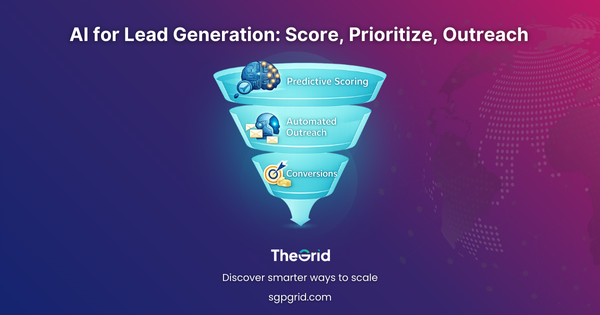
Artificial intelligence is changing B2B lead gen from guesswork to precision. Learn how SMEs can use predictive scoring and automated outreach to prioritize, personalize, and convert faster.
Clients want to know where data comes from. This guide explains how transparency in data sourcing builds trust, reduces risk, and strengthens B2B credibility for SMEs.

To ensure company records include a general email address or general phone number, the following two Exclude Result filters can be applied: * Without Company Email * Without Company Number Applying these filters will exclude records that do not have a company email or phone number, helping to focus on entries with